
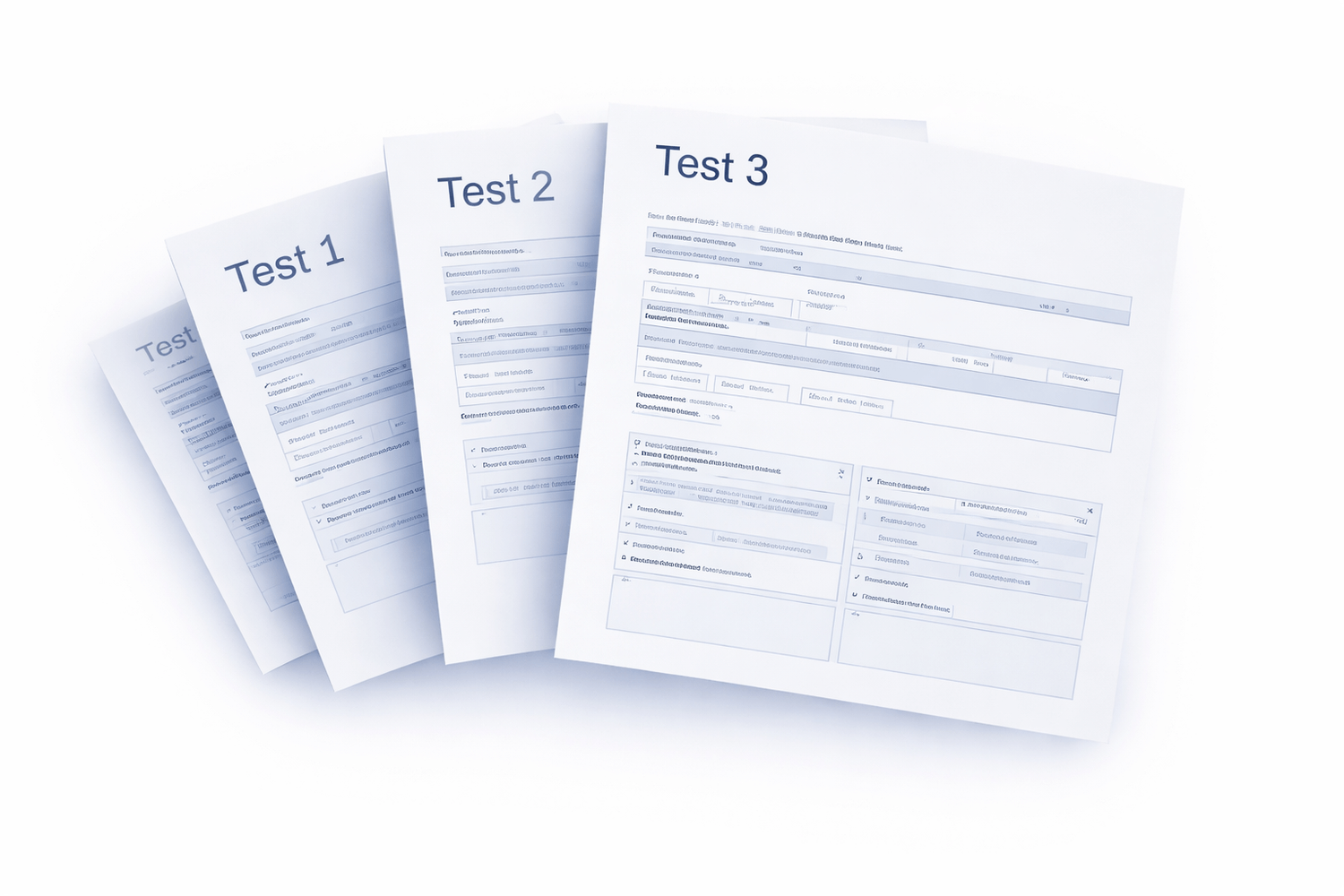
Test. Compare. Chain.
For Testing Models.
Easy To Use AI Tools.
Free AI Available
No Monthly Fees
Unlimited Testing
- 100’s of AI models tested side-by-side — instantly.
- Create 1,000’s of text, images, or videos per day.
- Build characters, UX, and stories with true continuity.
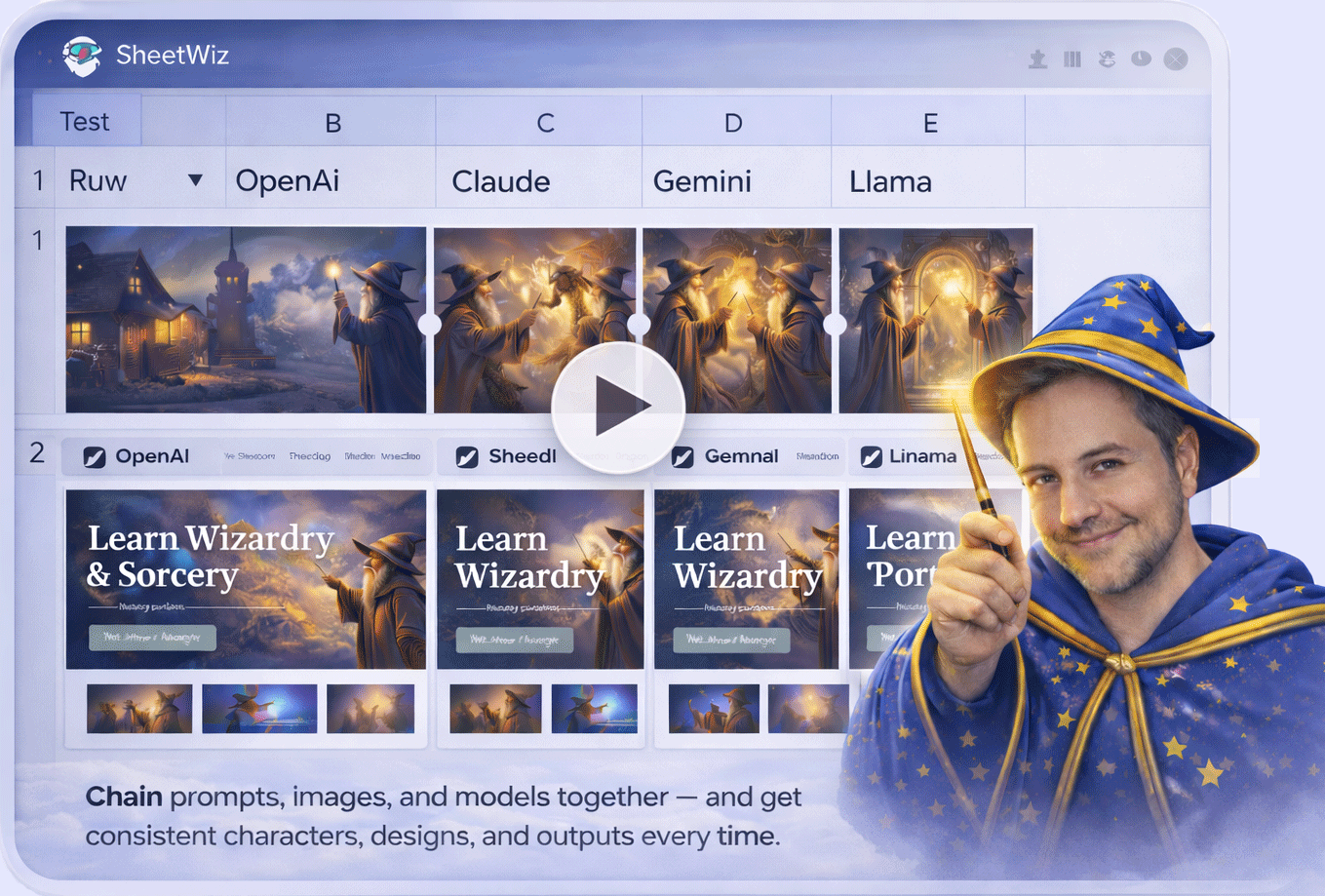
- How It Works: Rows = tests. Columns = steps/model.
Buy Now
Watch Demo
Truly Unlimited For Life
Suite of Wizard Tools

Image & Video

Chain Prompts

Wizard Tools
SheetWiz
Powered By
◆OpenRouter
◆RunWare
◆OpenAI
◆Claude
◆Google
◆Straico
Who Is SheetWiz For?

AI Discovery
- Test side-by-side models
- Explore and compare prompts
- Discover new AI models

Developers
- Test models before integrating
- Explore prompts & flows
- Evaluate providers quickly

Marketers
- Compare outputs for campaigns
- Test content variations fast
- Pick winning AI responses

Content Wizards
- Test prompts for tone & style
- Explore new creative outputs
- Build reusable prompt systems

From the Founder
Developer to ... AI Wizard
Hi, I’m Shawn Altman.
I’ve spent 20+ years building software across ecommerce,
marketing, and automation…
including time working for IBM and AT&T.
Seems like a new AI model is coming out everyday… makes testing difficult.
I couldn’t find a simple side-by-side tool or simple chaining tool.
So I built SheetWiz to fix that.
What I Built
SheetWiz is a simple AI testing + chaining lab inside Google Sheets. One row = one test. Fast, clear, repeatable.
- ✓ Side-by-side model testing
- ✓ Prompt + image + video chaining
- ✓ Unlimited runs with BYOK (use your keys)
- ✓ Logged results to compare winners instantly
How SheetWiz Works
Rows = your tests
Columns = any model + any step
Everything runs in one simple grid.
Keep reading to learn more…
The Problem
Difficult to test & blend models.
- •AI tools are scattered across platforms.
- •Not easy to test models side-by-side.
- •High monthly costs add up fast.
Problem Solved with SheetWiz
Everything runs in one Sheet.
- ✓Test models side-by-side in one Sheet.
- ✓Chain prompts, images, and steps visually.
- ✓No monthly costs. Bring your own keys.
✅ Simple Basic Overview
Rows Make AI Usable
- ✓Each row is one test (prompt, image, or workflow).
- ✓Each column is any model or step (OpenAI, Claude, Gemini, images, etc.).
- ✓Run as many rows as you want to test, compare, and iterate.
One row = one experiment.
One sheet = unlimited testing.
Problem solved.
One sheet = unlimited testing.
Problem solved.
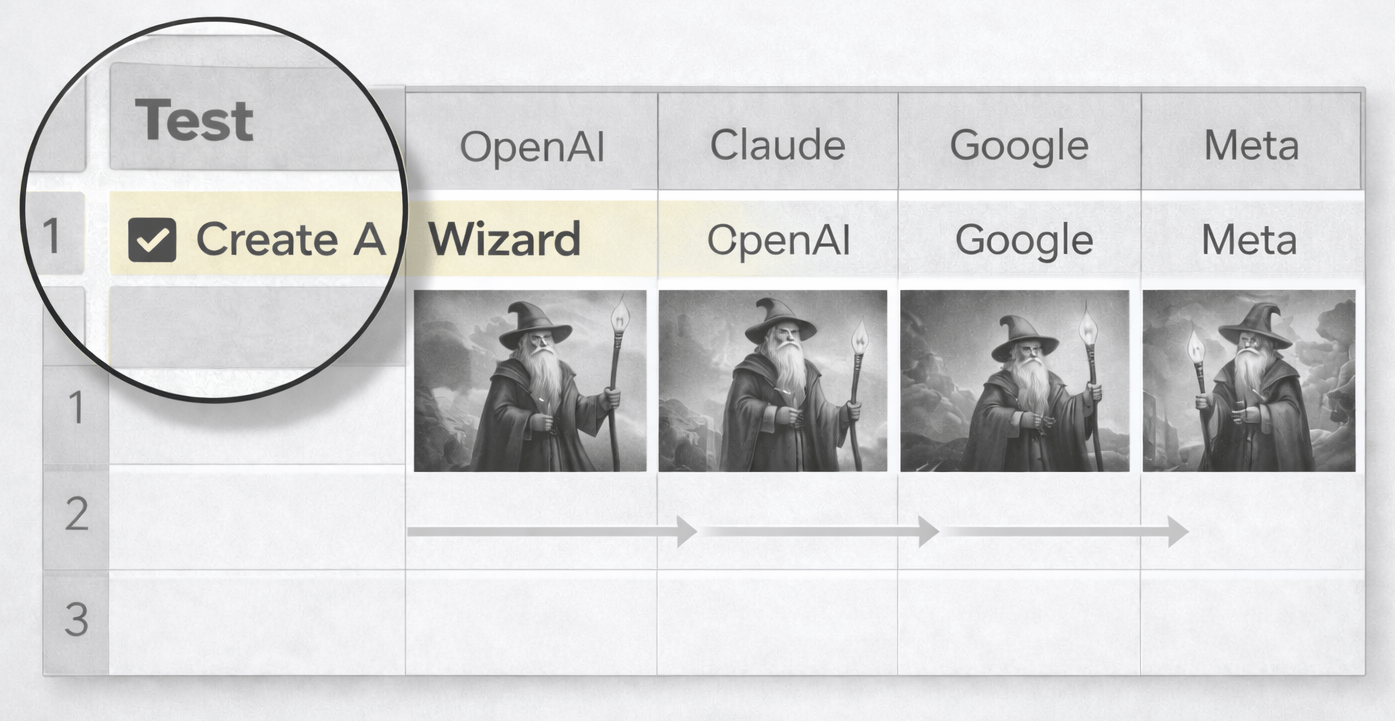
Prompt Testing
(Side-by-Side AI Model Testing)
Prompt Chaining
(Ideas That Build on Each Other)
Prompt Testing
- ✓Same prompt across many models
- ✓Same input for fair comparison
- ✓Clear winner you can reuse
No more guessing.
Let results decide.
Prompt Chaining
- ✓Outputs feed forward step-by-step
- ✓Context stays intact across steps
- ✓Workflows evolve into finished assets
Build smarter chains.
Turn ideas into outcomes.
Text Chaining — Think Once, Build Better
Turn raw thinking into structured output… one step at a time.
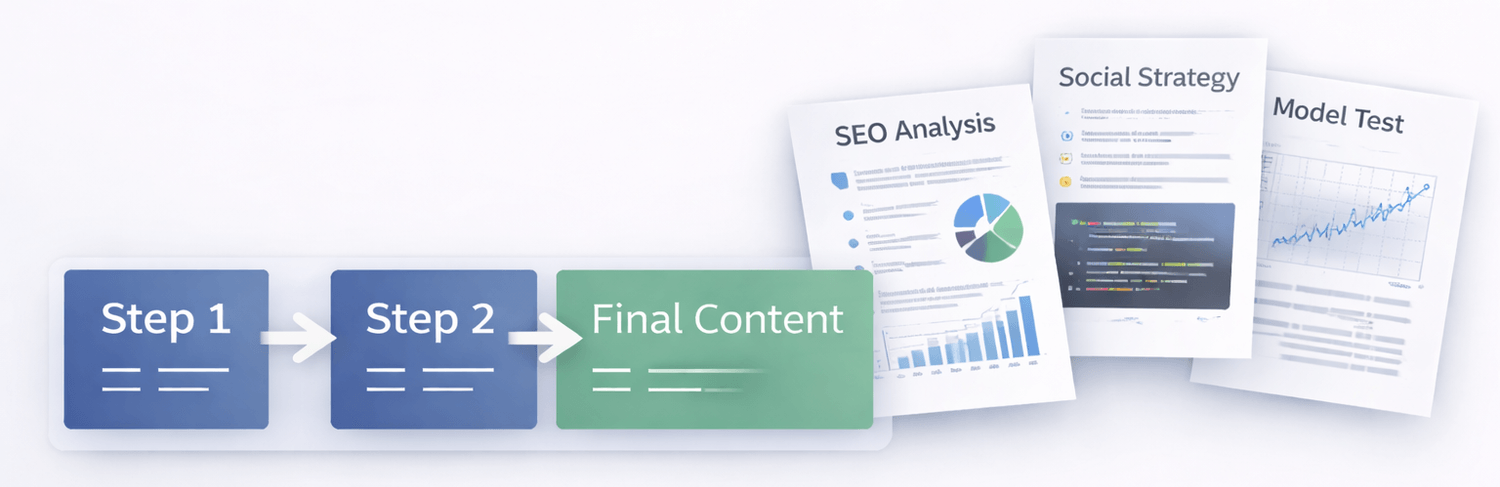
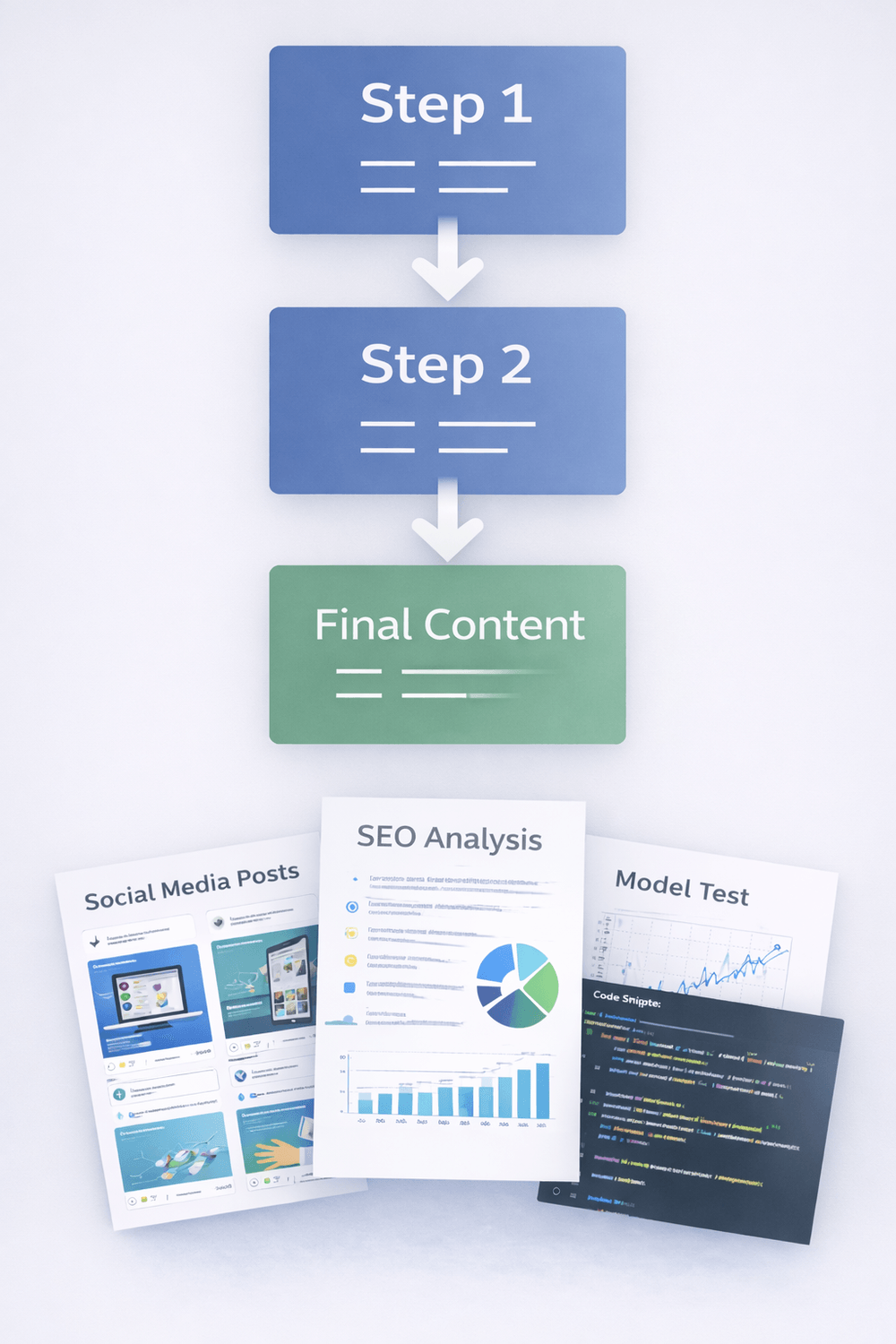
From raw thinking to structured output.
Start with a rough idea, then refine it step-by-step.
Each step inherits context from the last, so your final output stays consistent and improves naturally.
Use it for research, content, planning, and repeatable workflows — all inside your SheetWiz rows.
Perfect for:
- ✓SEO content
- ✓Social posts
- ✓Strategy & analysis
- ✓UX mockups
Chaining Flow
Reusable Steps
Better Outputs
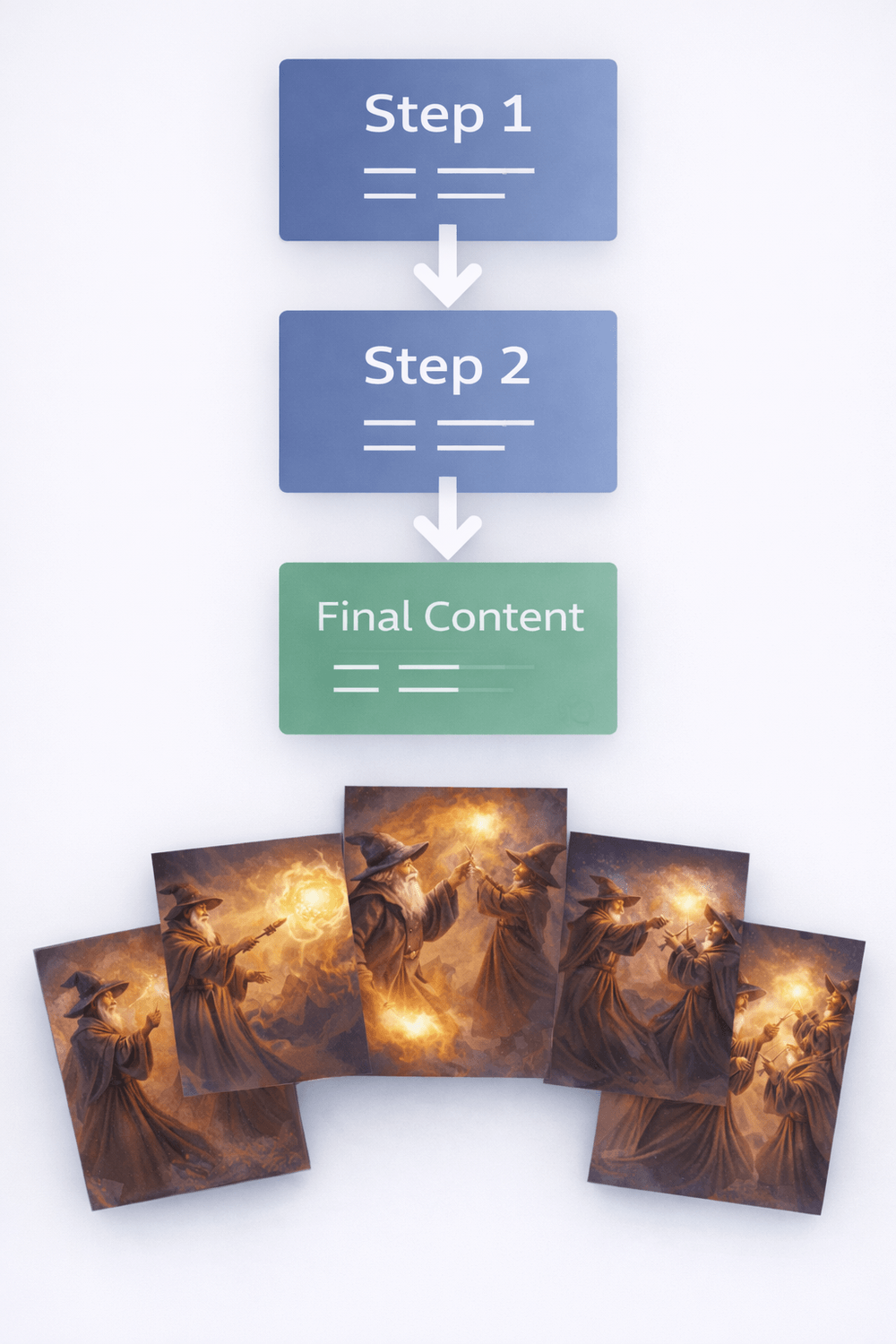
Image Chaining — Design That Evolves
No resets. No lost context. No starting over.

Perfect for:
- ✓Website mockups
- ✓UX/UI design
- ✓Storyboards
- ✓Visual concepts
Image Chaining
Consistent Style
Evolving Design
Video Chaining — Bring the Story to Life
This is where it gets fun. Build a storyboard once, then generate a sequence of clips that stays consistent from step to step — and lands as a polished final video.

Turn storyboards into cinematic final content.
Start with a simple sequence of ideas, scenes, or frames… then chain them together into a coherent video narrative.
Each step builds on the last — so your characters, style, and momentum stay intact instead of resetting every time.
The result: a clean “Step 1 → Step 2 → Final Content” workflow that feels effortless.
Perfect for:
- ✓Storyboarding & scene planning
- ✓Video editing workflows
- ✓Visual storytelling & reels
- ✓Polished final content
Video Chaining
Storyboard → Clips
Final Video Output
AI Chat & Scraping
Powerful Real Analysis
Ask questions, review results, and extract insights — then scrape websites, pull page titles + text, and even review DuckDuckGo rankings directly inside your Sheet workflows.
AI Chat (Ask & analyze in Sheets)
VS
Wiz Functions (AI in any cell + custom scrapers)
- ✓Chat with results in your Sheets
- ✓Ask questions about rows & columns
- ✓Review data fast
- ✓Extract insights & summaries
- ✓AI in any cell (custom functions)
- ✓Scrape titles & page text
- ✓Review DuckDuckGo rankings
- ✓Clean + feed results into rows
Analyze Sheets
Review Columns
Scrape Websites
Feed Rows
Common Questions about Wiz Functions & Tools
Short answer: yes — SheetWiz is built to run real analysis inside Google Sheets using AI Chat + Wiz Functions.
Can AI Chat connect to any AI model?
Yes. AI Chat can route to your chosen model, then analyze your sheet data.
Example: “Row 3 — what do you think of this overall chain and data for ranking my website?”
It can review rows or columns and give clear recommendations.
Can I use AI in any cell?
Yes. Use simple custom functions (like =aiWiz()) to run prompts across rows, columns, and workflows.
Can I scrape websites for title + text, or review DuckDuckGo rankings?
Yes. Use Wiz Functions to scrape pages (title, meta, headings, paragraphs, full text), and use =serp()
to pull DuckDuckGo results for ranking reviews and competitor comparisons.
Truly Unlimited For Life
Use your own API keys and run unlimited prompts, scraping, and automations inside Google Sheets.
Direct Access to Our Code
Edit, extend, and build completely new flows on top of SheetWiz. 100% customizable Apps Script code.
Core Functions Included
Here are the most common functions included in SheetWiz.
=aiWiz(...arg)
Simple in-cell AI prompt that’s flexible. Combine multiple cells or text into one prompt for content or structured responses.
=visit("URL")
Fetch and return the full HTML of any URL. Great for audits, parsing, and extraction.
=serp("SEARCH QUERY")
Pull DuckDuckGo search results with titles, URLs, and descriptions for quick SERP review.
=getMetaTitle("URL")
Extract the meta title of any webpage for SEO analysis and comparisons.
=getMetaDescription("URL")
Retrieve the page meta description—useful for audits and rewriting workflows.
=getH1("URL")
Returns the main H1 heading from a webpage to understand content intent.
=getH2("URL")
Pulls all H2 subheadings for structure & topic analysis.
=getHeadings("URL")
Collects all H1–H6 headings for a full outline of the page.
=getp("URL")
Extract every paragraph from a webpage—perfect for audits, summaries, or rewriting.
=visitAll("URL")
Pulls H1, H2s, paragraphs, and meta tags into sequential cells. Your all-in-one scrape tool.
Free Basic & Advanced SheetWiz Video Training
Learn exactly how to use every built-in SheetWiz tool step-by-step — from connecting models to running real projects inside Google Sheets.
Start with the basics, then move into advanced videos where you’ll learn how to read and extend the SheetWiz code, create your own custom flows, and build automations that can run on a schedule using Google Apps Script. You’re not just getting a tool — you’re getting the skills to build your own AI-powered systems on top of it.